
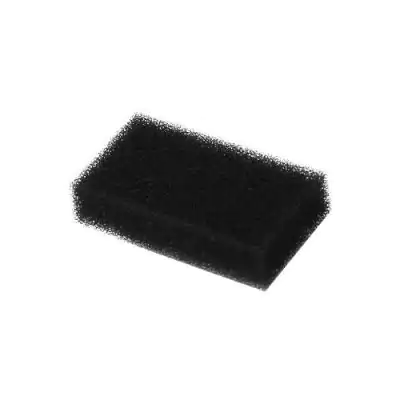
Foam Pollen Filter For Philips Respironics REMstar Devices (Pack of 2)
₹650.00₹1,000.00 (-35%)
Replacement foam filters for select Philips Respironics CPAP and BiPAP machines. Pack of 2 filters.
Description
Improve the performance of your Philips Respironics REMstar CPAP or BiPAP device with our high-quality Foam Pollen Filters (Pack of 2). These reusable filters are designed to capture dust, pollen, and other airborne particles, helping maintain a cleaner airflow and prolonging the life of your machine.
Key Features:
-
✅ Compatibility: Fits Philips Respironics REMstar Plus, Pro, Auto, and M-Series devices
-
✅ Reusable: Washable and long-lasting – clean and reuse multiple times
-
✅ Efficient Filtration: Traps large airborne particles like dust and pollen
-
✅ Easy to Use: Simple to install and remove for regular cleaning
-
✅ Pack Size: 2 foam filters included
Recommended Replacement: Every 1–3 months or as needed, depending on environment and usage.
Additional Information:
| Attribute | Details |
|---|---|
| Brand | Compatible with Philips Respironics |
| Type | Foam Pollen Filter |
| Pack Size | 2 filters per pack |
| Reusable | Yes |
| Compatibility | REMstar Plus, Pro, Auto, M-Series CPAPs |
Tags:
CPAP filter, REMstar foam filter, Philips Respironics filter, CPAP accessories, BiPAP machine parts
Step 1
- Disconnect the device from the power source to stop airflow.
- To avoid electrical shock, always unplugged the power cord from the wall outlet before cleaning the device.
Step 2
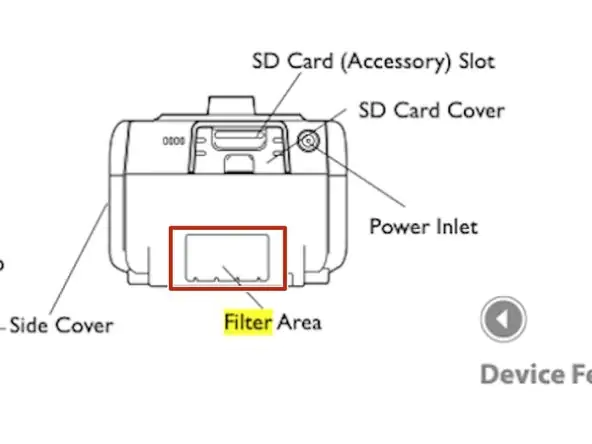
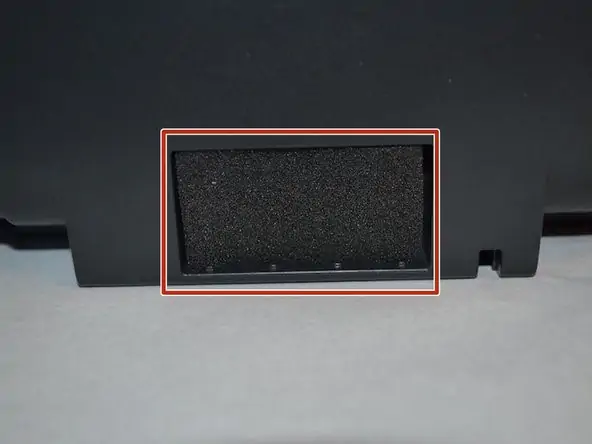
- Remove the filter from the enclosure by gently squeezing the filter in the center and pulling it away from the device.
Step 3
- Examine the filter for cleanliness and quality. If the foam filter is torn, replace it.
- A dirty inlet filter may cause high operating temperatures that may affect device performance. Regularly examine the inlet filter.
Step 4
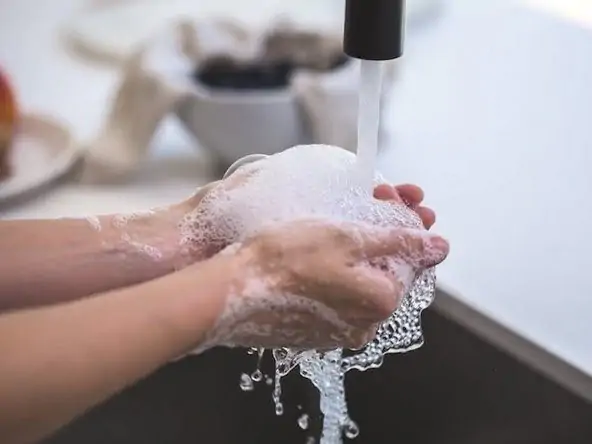
- Wash the gray foam filter in warm water with a mild detergent.
- Rinse thoroughly to remove all detergent residue.
- Allow the filter to air dry completely before reinstalling it.
- Never install a wet filter into the device. You must ensure sufficient drying time.
Step 5
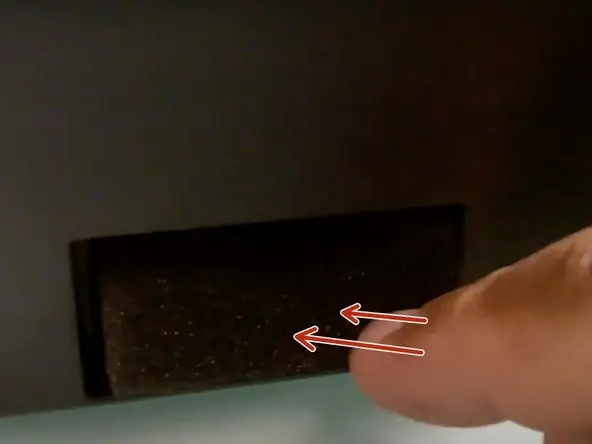
- Reinstall the filter.
- To install, insert gray foam filter into the filter area.
- A properly installed, undamaged filter is required for proper operation.




Reviews
There are no reviews yet.